Saree visualization AI: see your fabric as a draped saree
Upload a photo of unstitched saree fabric in the StitchMagic dashboard and the AI shows it draped as a saree on a model, ready to send to a customer.
- Sign in; the dashboard opens Generate → Visualize with Saree already selected.
- Upload one clear photo of the fabric, with the border and pallu in it.
- Generate, then download the saree image or send it on WhatsApp.
There is no upload box on this page. The visualizer runs in your browser after sign-in, with no app to install, and each image uses credits from your account.
AI saree design from a fabric photo
“Saree mein kaisa dikhega?” is the question a flat fabric photo cannot answer. The visualizer reads the colour and print of your fabric and generates the same fabric worn as a saree, so the customer sees the drape, border and pallu instead of a folded length of cloth.
It is a preview, not a photograph of a stitched saree. Check each image against the real fabric before you send it, and regenerate if a border or motif has come out differently.
Saree draping software online: what it does and does not do
It does
- Show your fabric draped as a saree on an AI model.
- Run in a phone or desktop browser.
- Take one photo at a time, or many in Bulk mode.
It does not
- Drape the saree on a photo of you or your customer.
- Work offline or as an installed app.
- Give free images: each one uses credits.
Saree drape AI: photo tips by fabric
- Silk and Banarasi: shoot in daylight at an angle that shows the zari without glare.
- Chiffon, georgette, organza: lay the fabric on a plain white sheet so the sheer weave reads correctly.
- Border and pallu sarees: fit the border and the pallu in the frame; what the AI cannot see, it has to invent.
- Cotton prints: lay the fabric flat with no folds across the motif.
AI saree example (illustration)
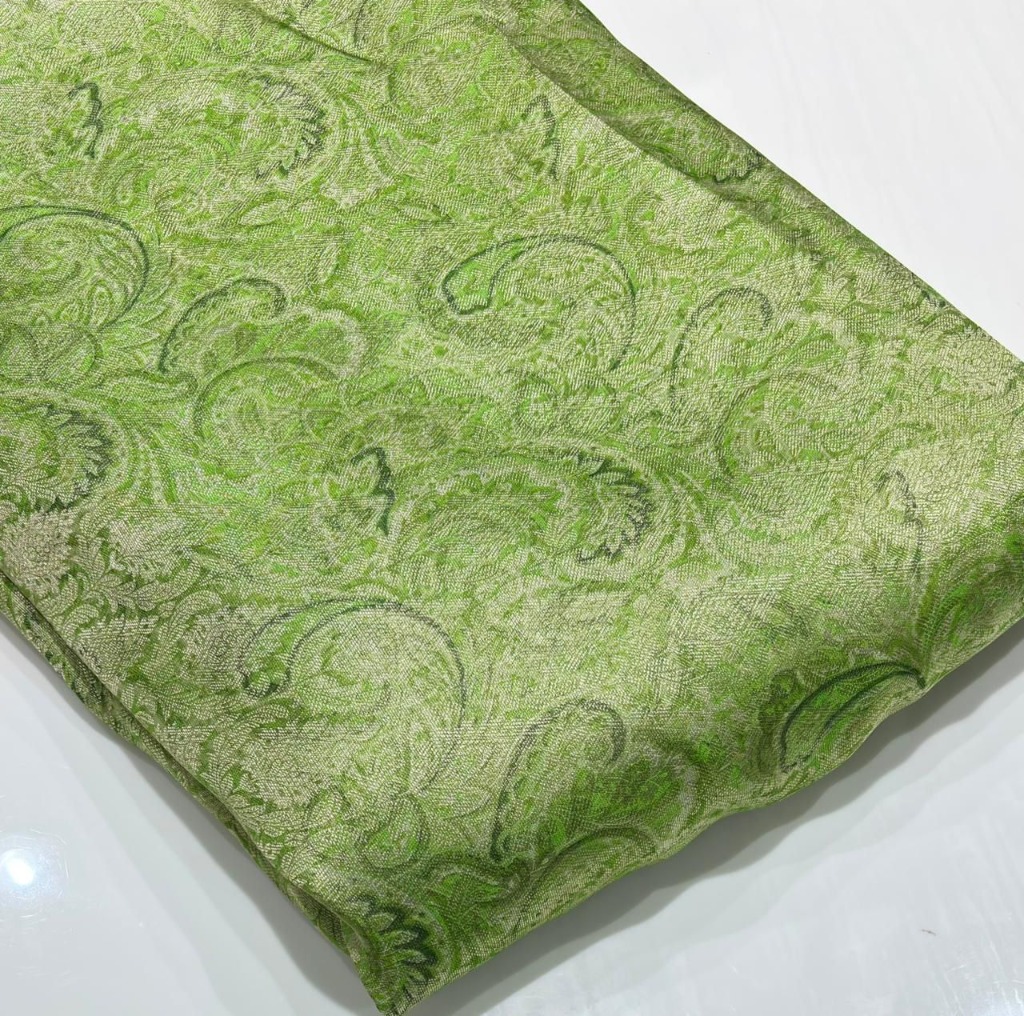
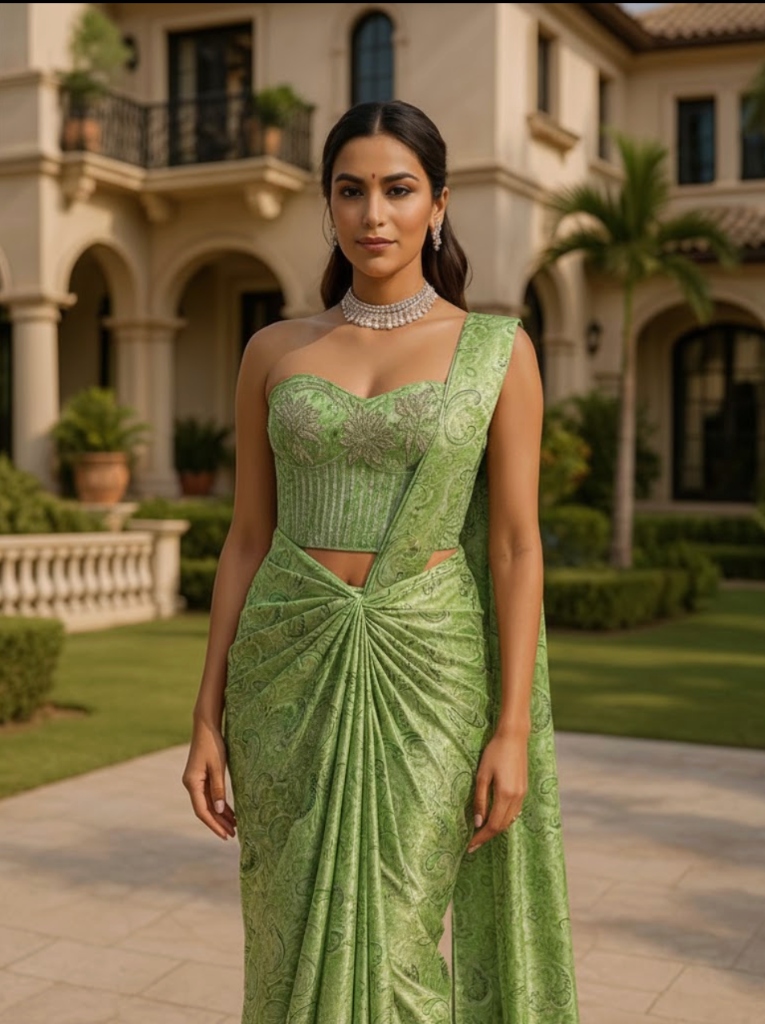
Illustration of the idea. It is not presented as an unedited output of the tool.
Saree visualization FAQ
What is saree visualization AI?
It turns a photo of unstitched saree fabric into an image of that fabric draped as a saree on a model, so a customer can see the finished look before buying.
Is saree visualization free, and at what cost?
It is not free. Each saree image uses credits from your StitchMagic account; your balance and top-up options are in the dashboard.
Is there saree draping software online, without installing anything?
Yes. The visualizer runs in the StitchMagic dashboard in your phone or desktop browser, so there is nothing to install.
Can I visualize many sarees at once?
Yes. Switch the Visualize tab from Single to Bulk and upload several fabric photos; each one is generated as its own saree image.
Can I send the saree image to a customer?
Yes. Download the generated image and send it on WhatsApp or post it like any other product photo.
Show the finished saree before a single piece is stitched.
More garment try-on and visualization
Listing finished outfits on Meesho?
ListMagic fills the Meesho catalog form from one product photo, so each piece you sell is listed without typing every field. Free plan to start; Seller Pass ₹99 a month (StitchMagic pricing, checked 16 Oct 2026).